
Manage contacts
Save client details, find past visits, and start jobs from a contact.
Open People → Contacts on web.
Add a contact
- Select New contact.
- Add the person's name and contact details.
- Select Save contact. You can now choose this person on a job or report.
Find or update a contact
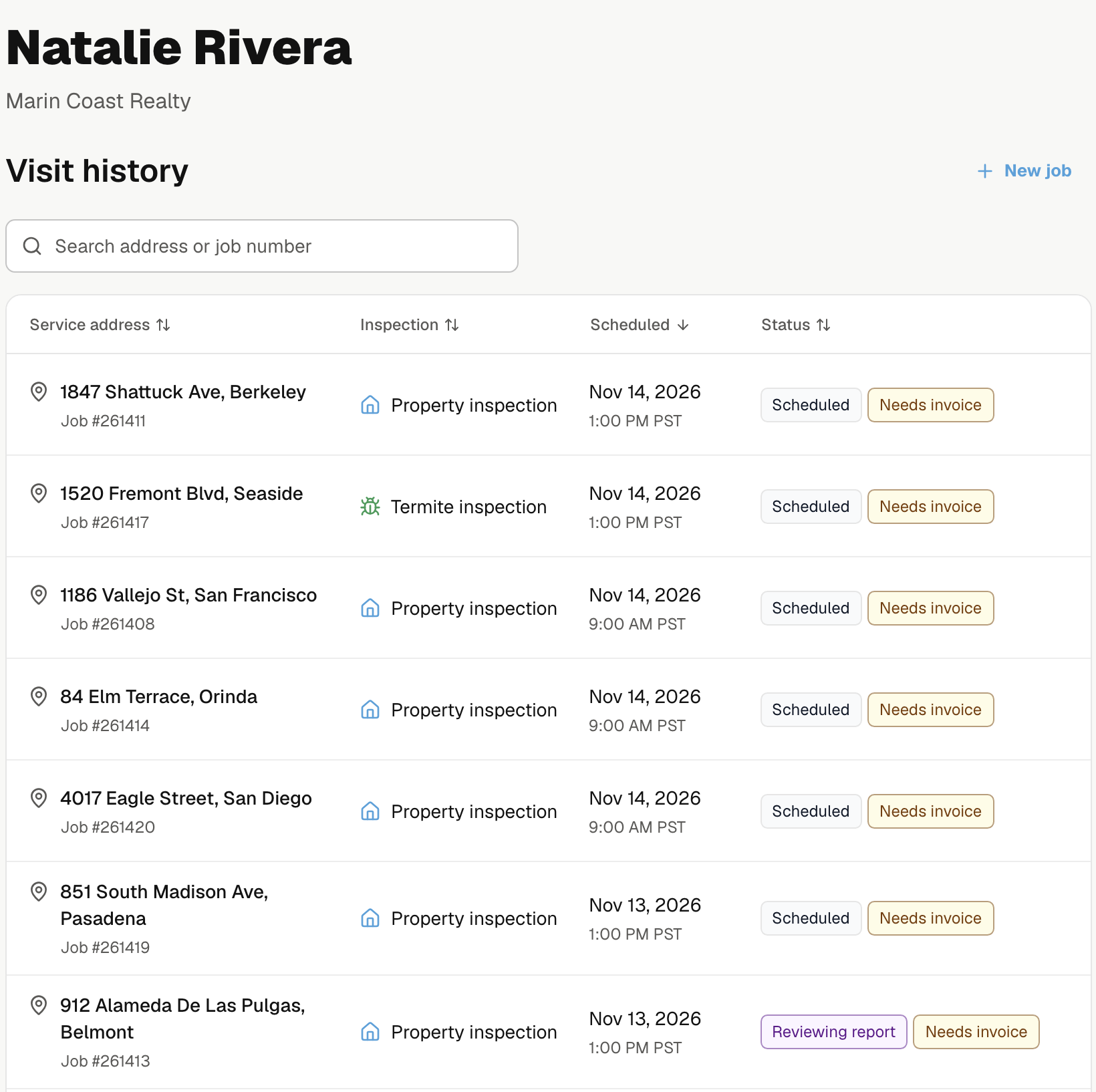
Use Search contacts, then select the person's name. Open a visit under Visit history, or select New job to start a job with this person in Booked by.
Visit history starts with the newest visits. Select Scheduled to change the order.
To change their details, open Contact actions (⋯), select Edit contact, and save. See how contact edits affect reports.
Archive a contact
Open Contact actions (⋯), choose Archive contact, then confirm. The person drops out of new choices. Their past visits and documents stay as they are.