Join your team
Accept a company invitation and add your details.
You need an invitation from someone at your company. Ask them to invite you if you do not have one.
Open the invitation email
Find the email from Noma named … invited you to join … on Noma. Select Accept invitation.
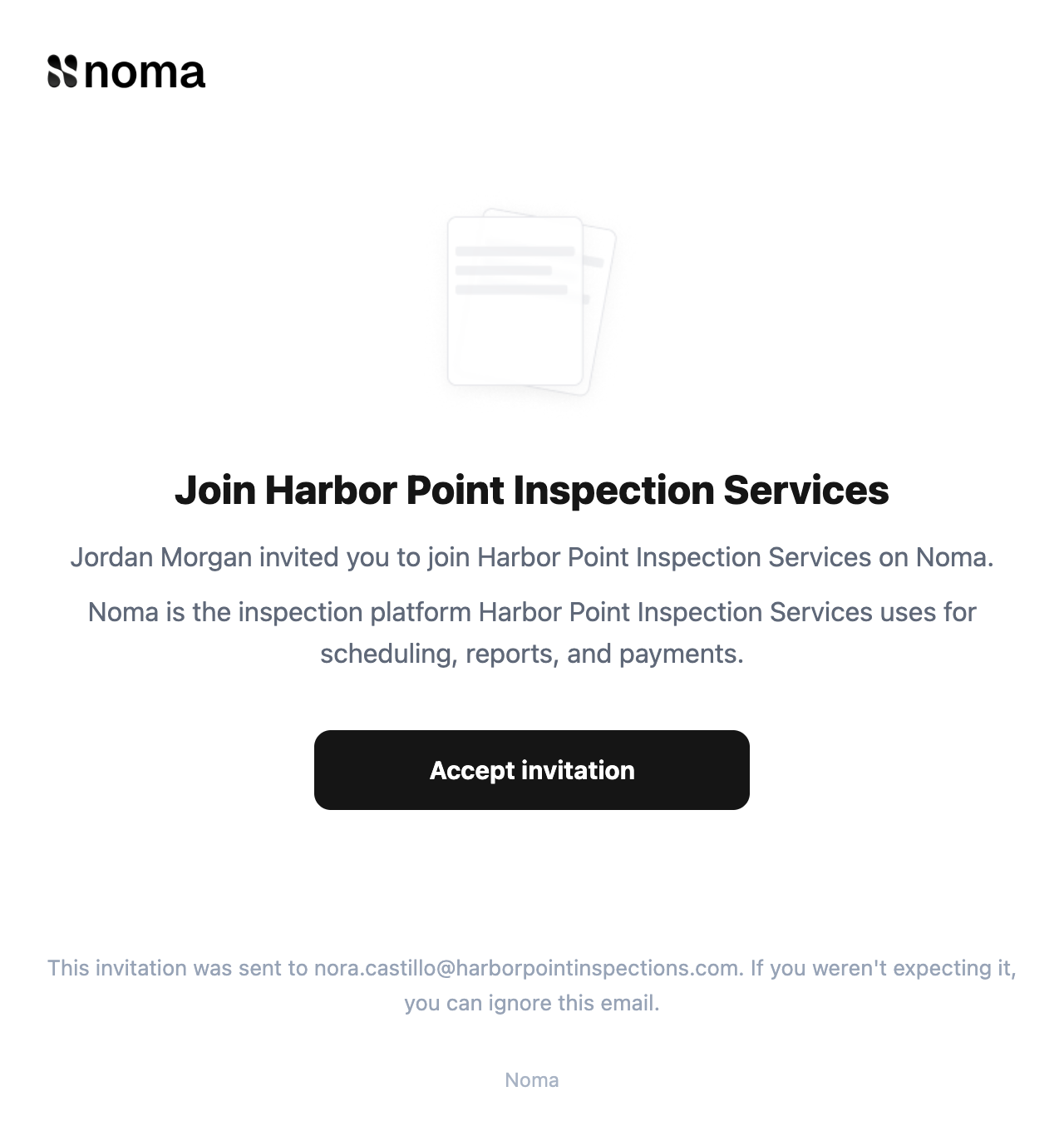
- The link works for 30 days.
- If your teammate resent the invite, open the newest email.
Create your account or log in
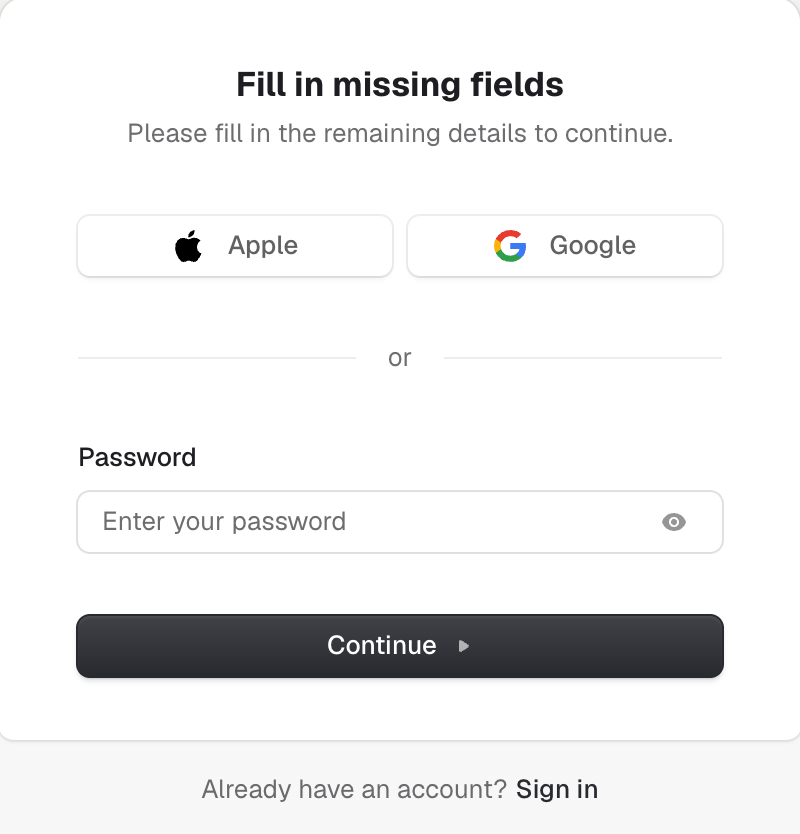
The link connects the form to your invited email.
| You see | Do this |
|---|---|
| Fill in missing fields | Enter a password and select Continue, or select Google or Apple. |
| A log in form | You already use Noma with this email. Log in. |
Use the invited email
Log in with the same email your team invited. For Google or Apple, check the email on that account.
Add your details
If you see Your details, enter your name. You can add a profile photo and phone number. Select Finish.
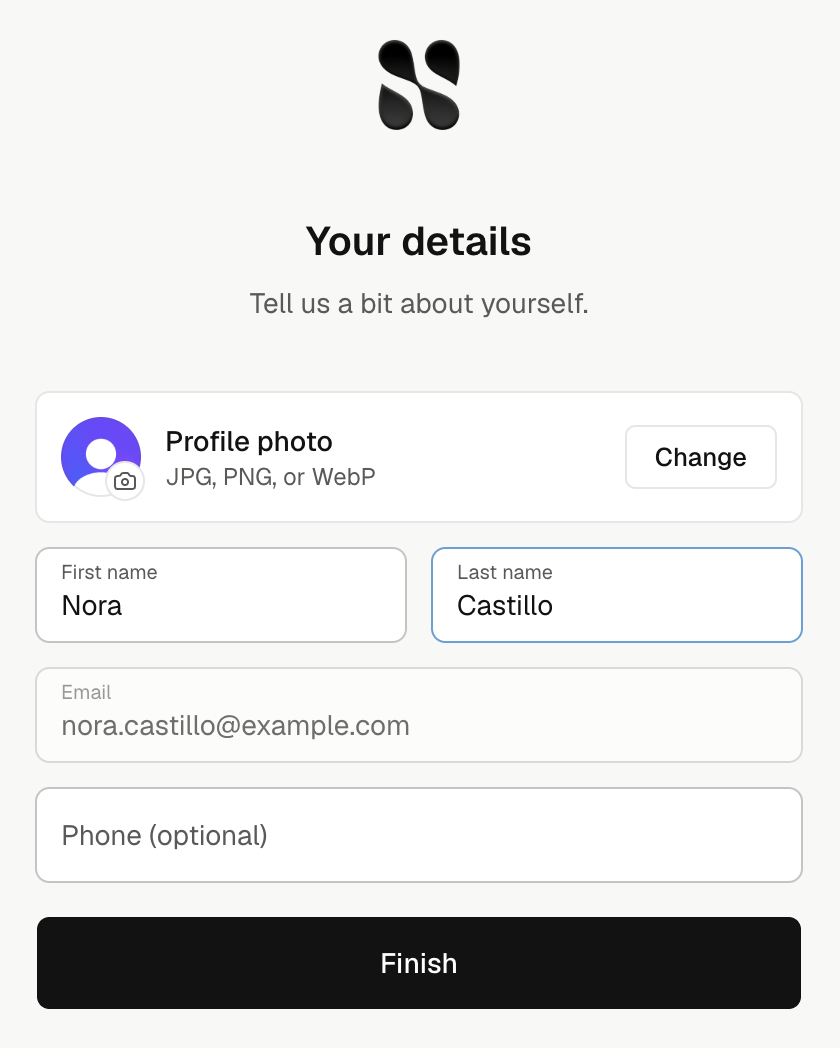
You are now an active member. Your team gets a Team member joined notice.
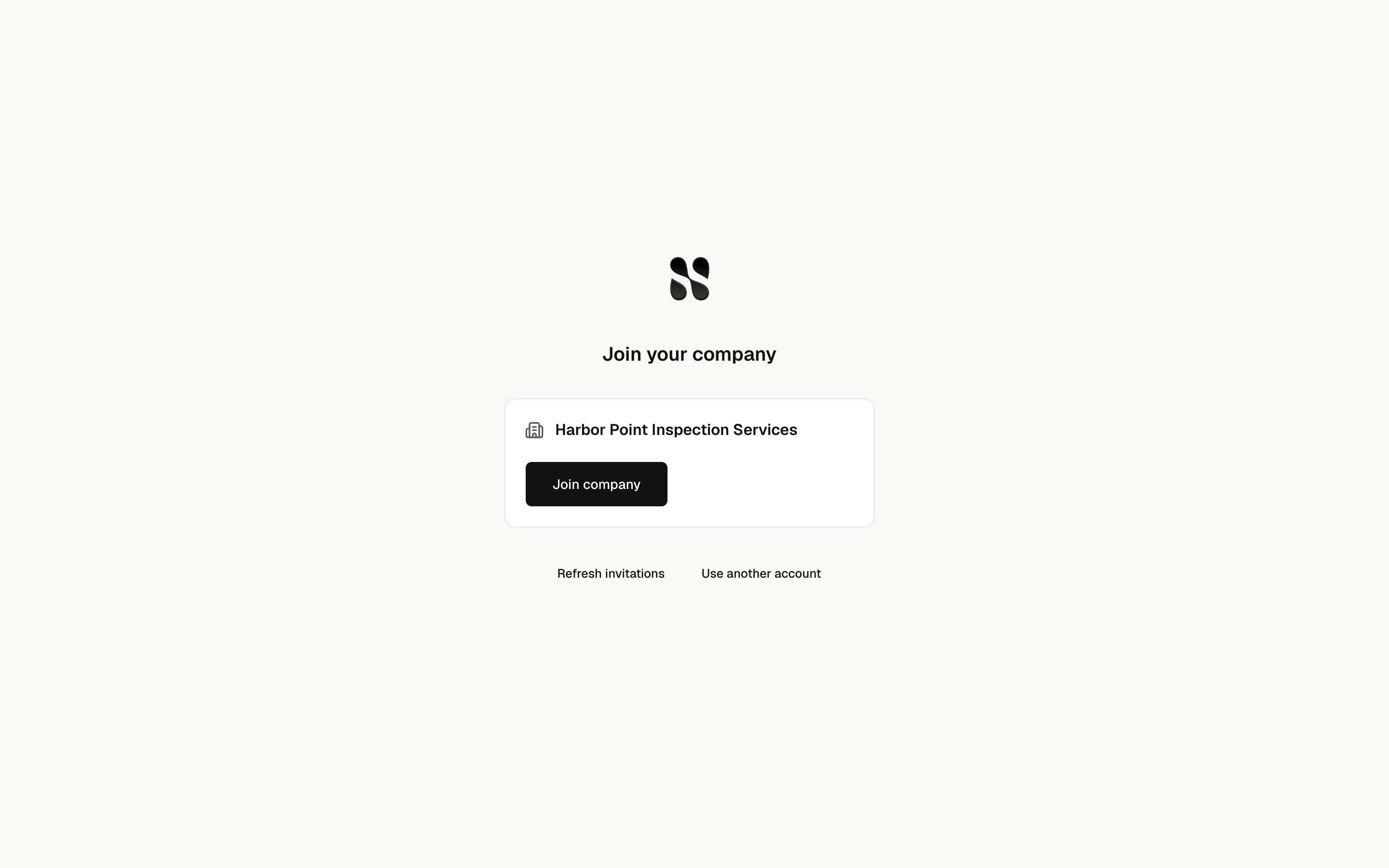
If you see Join your company
If you log in to Noma with a verified email that has an invite, you may see Join your company or Choose a company to join.
| Action | When to use it |
|---|---|
| Join company | Your company is listed. |
| Refresh invitations | Your invite was just sent and is not listed yet. |
| Use another account | You signed in with an email that was not invited. |
If your company is still missing, ask your teammate to check the invitation.