Inbox notifications
Contract and team notifications
Read contract alerts and see who joined your team.
Open Inbox and select Other. See shared details to read fields that show across the Inbox.
Notification examples
| Notice | Fields shown when saved | Select |
|---|---|---|
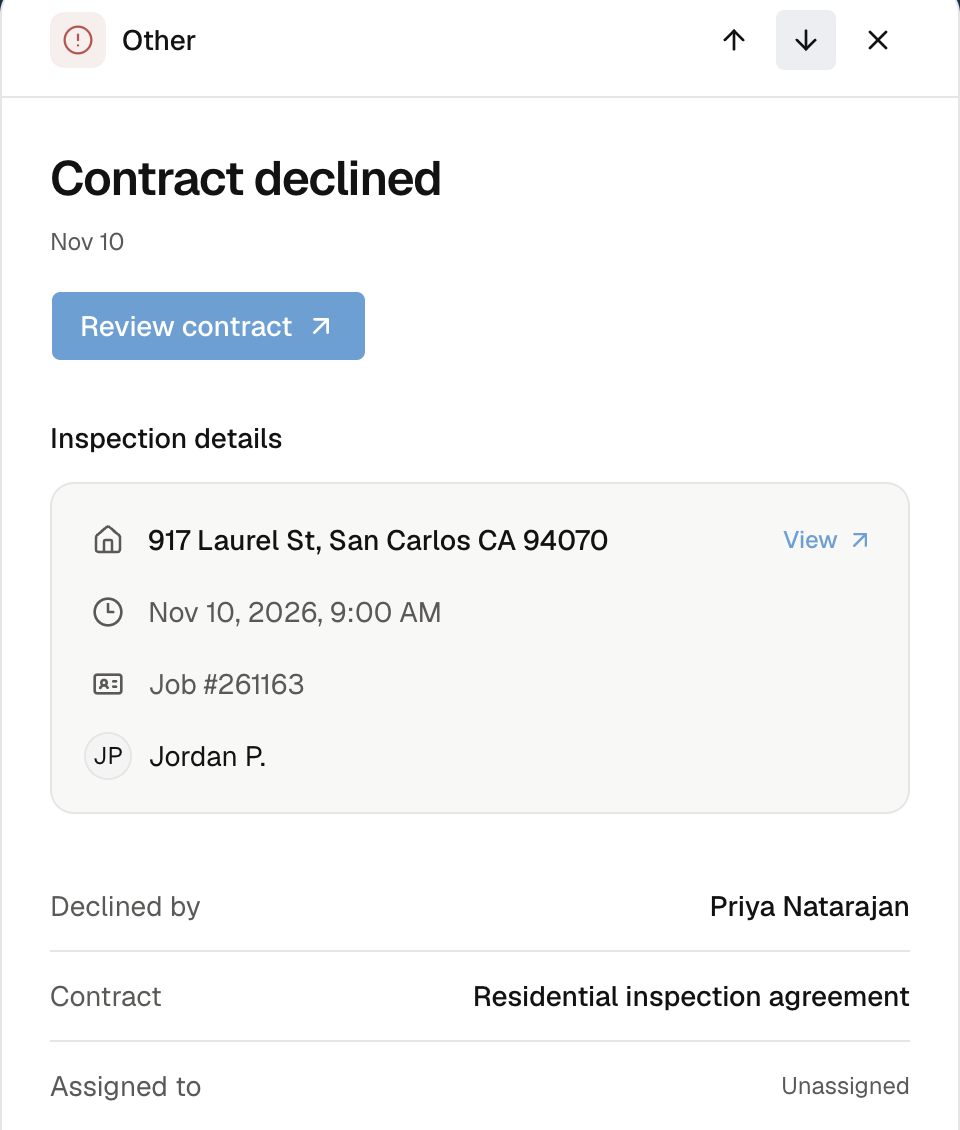
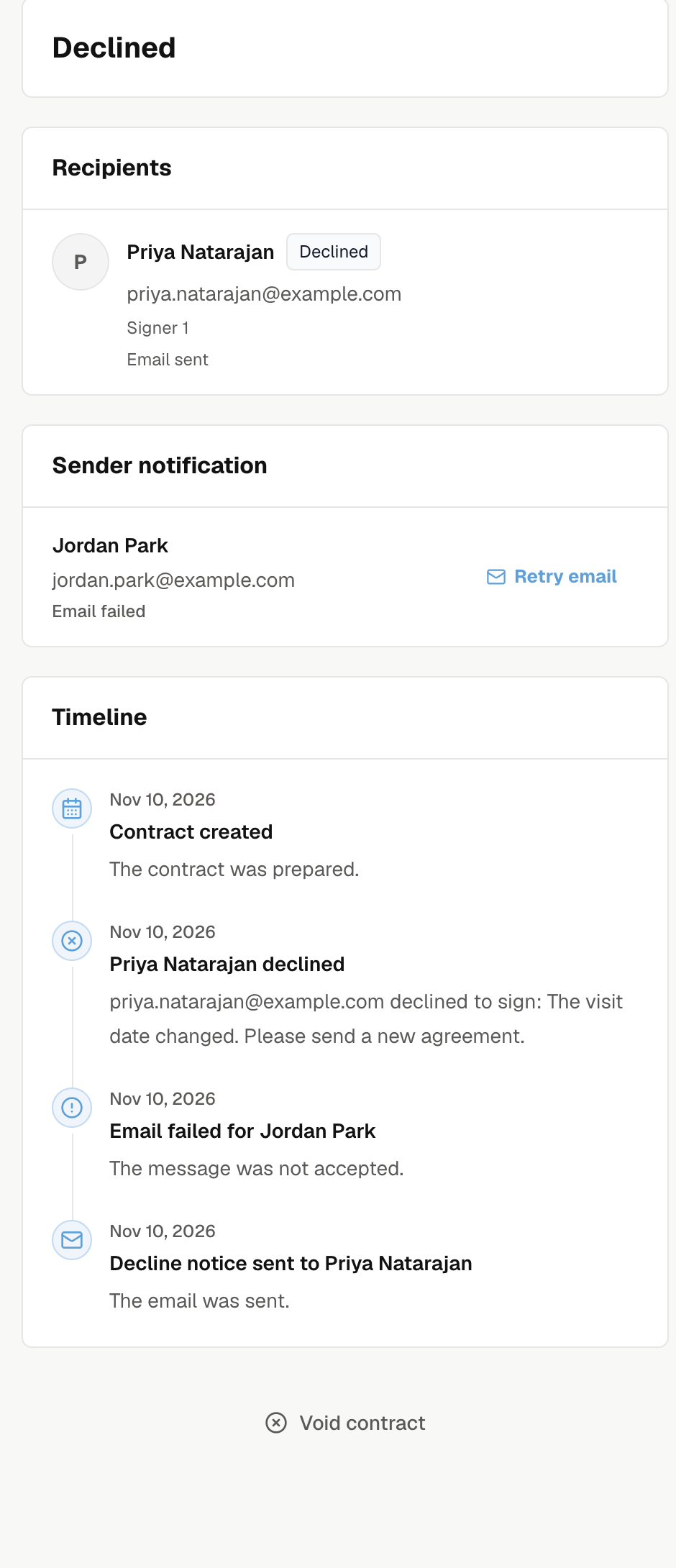
| Contract declined | Declined by, Contract. | Review contract to read the saved result. |
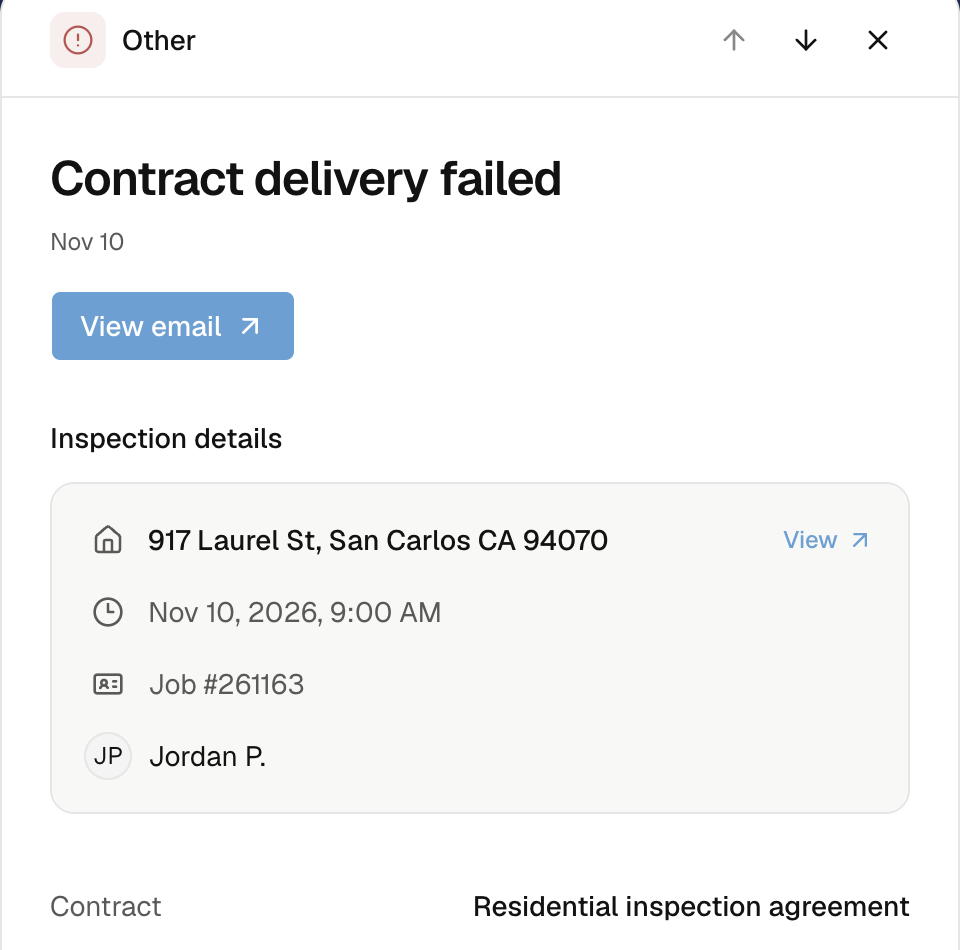
| Contract delivery failed | Contract, Recipient (email address), Email (subject), Reason. | View email. If the message is no longer saved, the notice shows View contract or View email history instead. |
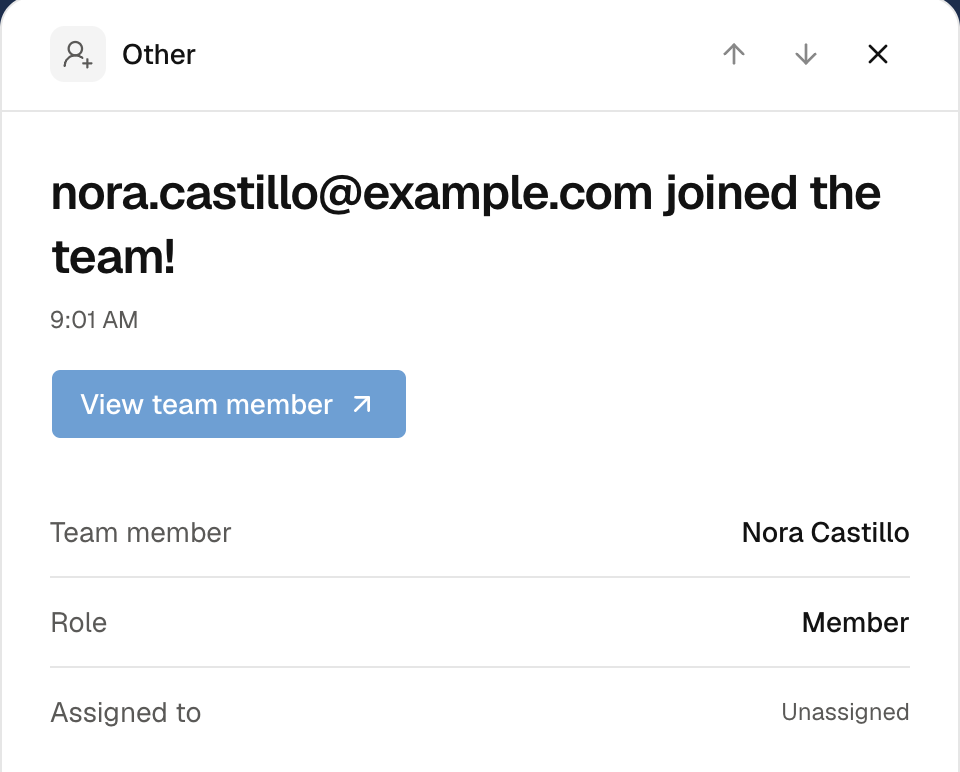
| Team member joined | Team member, Role or Roles. | View team member to open the member's profile. |
| Email couldn’t be sent | Report (report number). Used for older report email notices. | View email history to find the job's saved messages. |
Contract declined
Fix the source
| Notice | Fix it in |
|---|---|
| Contract declined | Check the decline notice |
| Contract delivery failed | Send a reminder or retry an email |
| Team member joined | Update member details |
| Email couldn’t be sent | Review job emails |
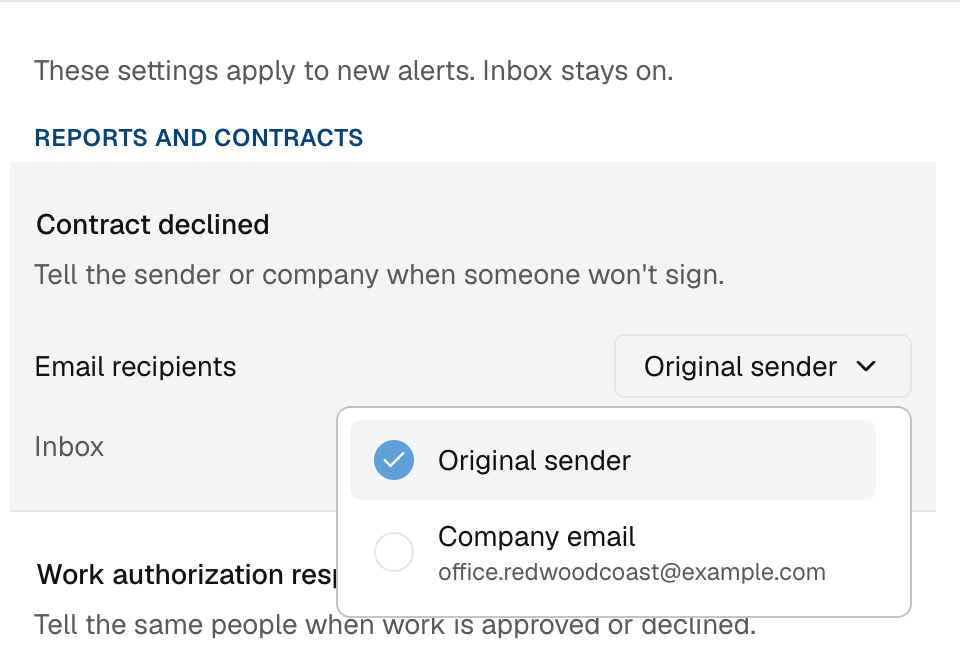
Decline emails
Set who gets copies of decline emails in Other team emails.