
Team
Manage your team
Invite teammates, choose roles, and update member details.
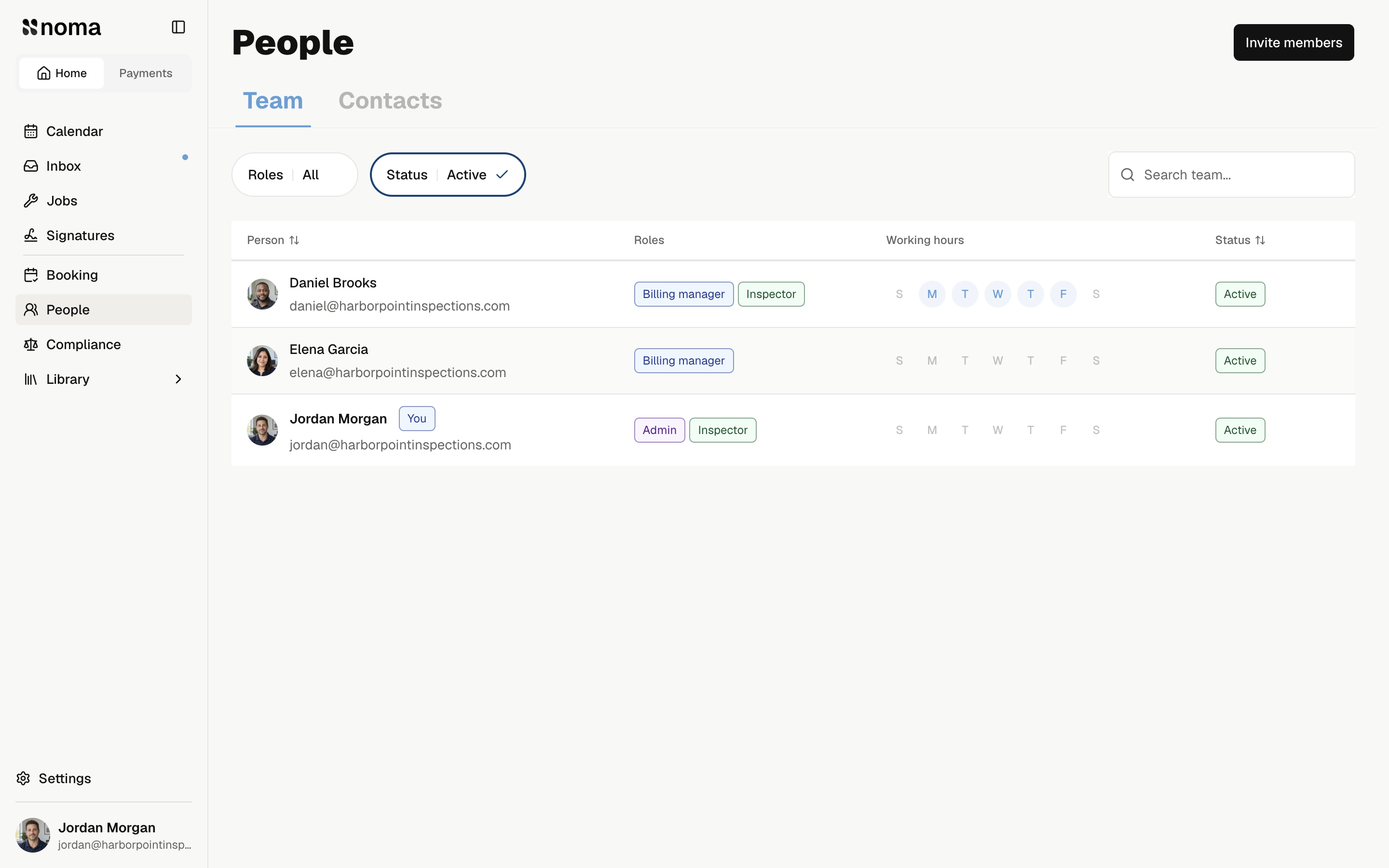
Open People → Team. Select a member to open their profile, or an invited person to review their invitation.
Find a person
Use Search team..., Roles, or Status to narrow the list. Active members have company access. Invited people have not joined yet.
Each active member has their own work hours. Only active members with the Inspector role can receive new inspection assignments. You can assign several inspectors to one visit.
Team charges
Every active member counts toward Noma billing, including the owner and office staff. Pending invitations are free.
See Team charges before adding or removing people.