
Update member details
Edit profiles, calendar colors, and inspector credentials.
Choose your inspector type
Open People → Team and select the member. You can edit your own active profile; an Admin can edit another active member's details.
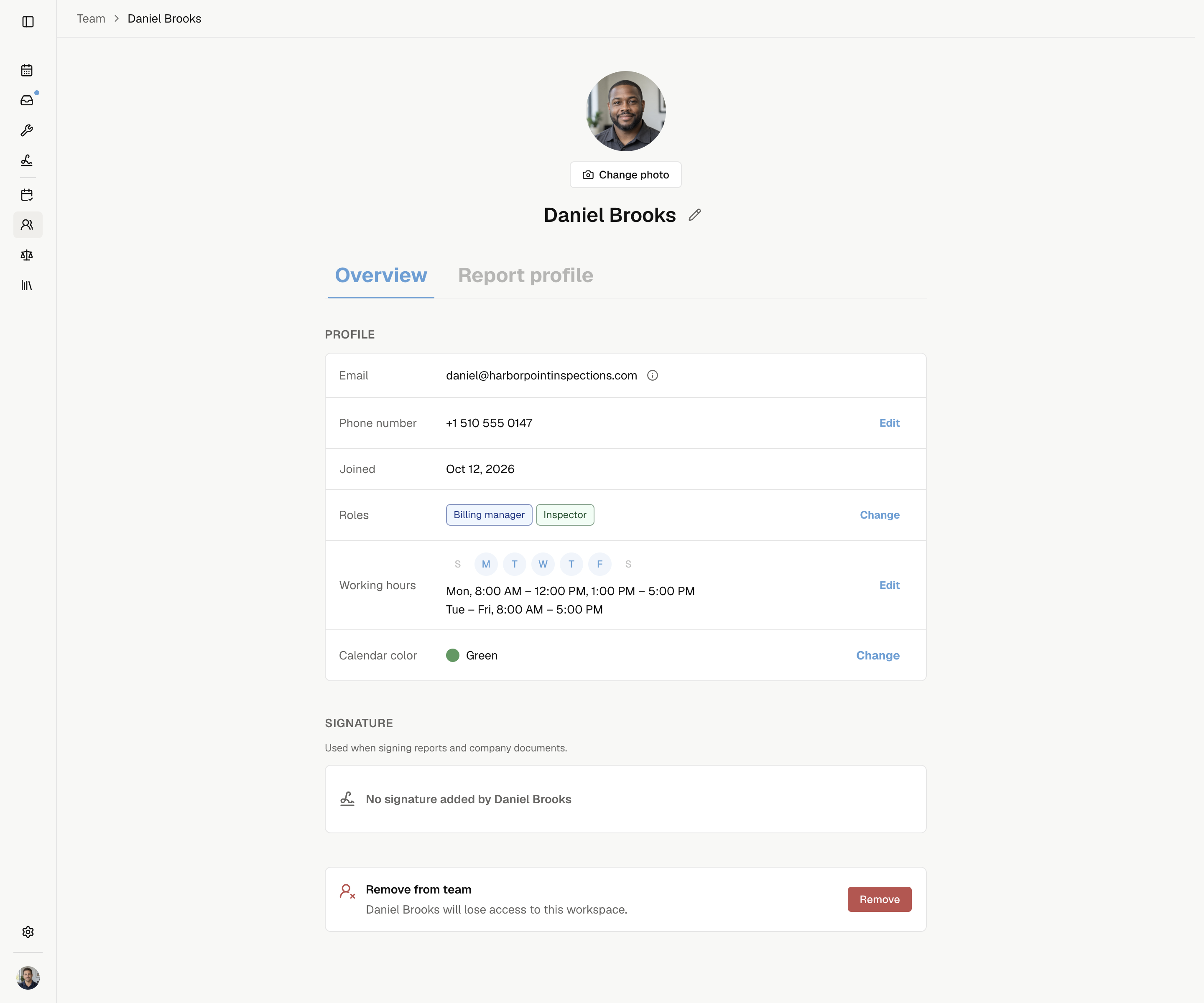
Profile and contact details
| Detail | Action |
|---|---|
| Name | Select the pencil, enter First name and Last name, then Save. |
| Photo | Select Change photo. Upload a JPG, PNG, or WebP under 4 MB. |
| Phone | Select Add or Edit beside Phone number. Choose the country, enter the number, then Save. You can leave it blank. |
| Open Settings → Account. Admins cannot change another person's login email. | |
| Work hours | Set work hours or block time off. |
Name and photo follow your account across companies. Phone also appears in your report contact information.
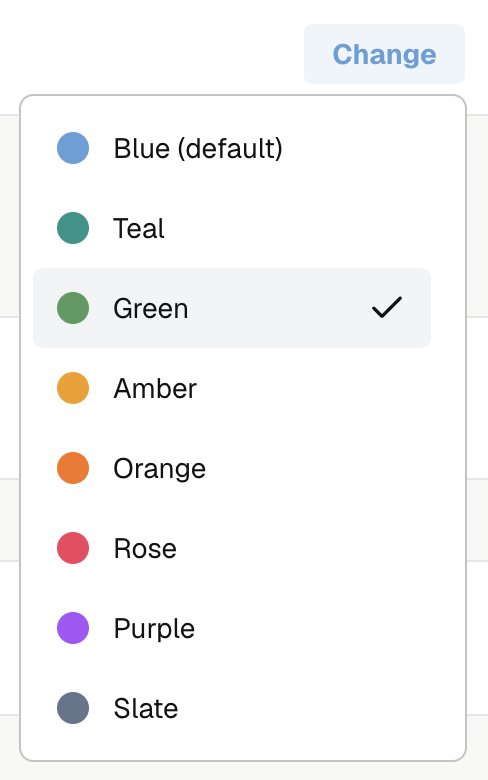
Calendar color
In Overview, select Change beside Calendar color and choose a color. It saves automatically for this member in this company.
You can change your own color; an Admin can change another active member's color.
Inspector profile
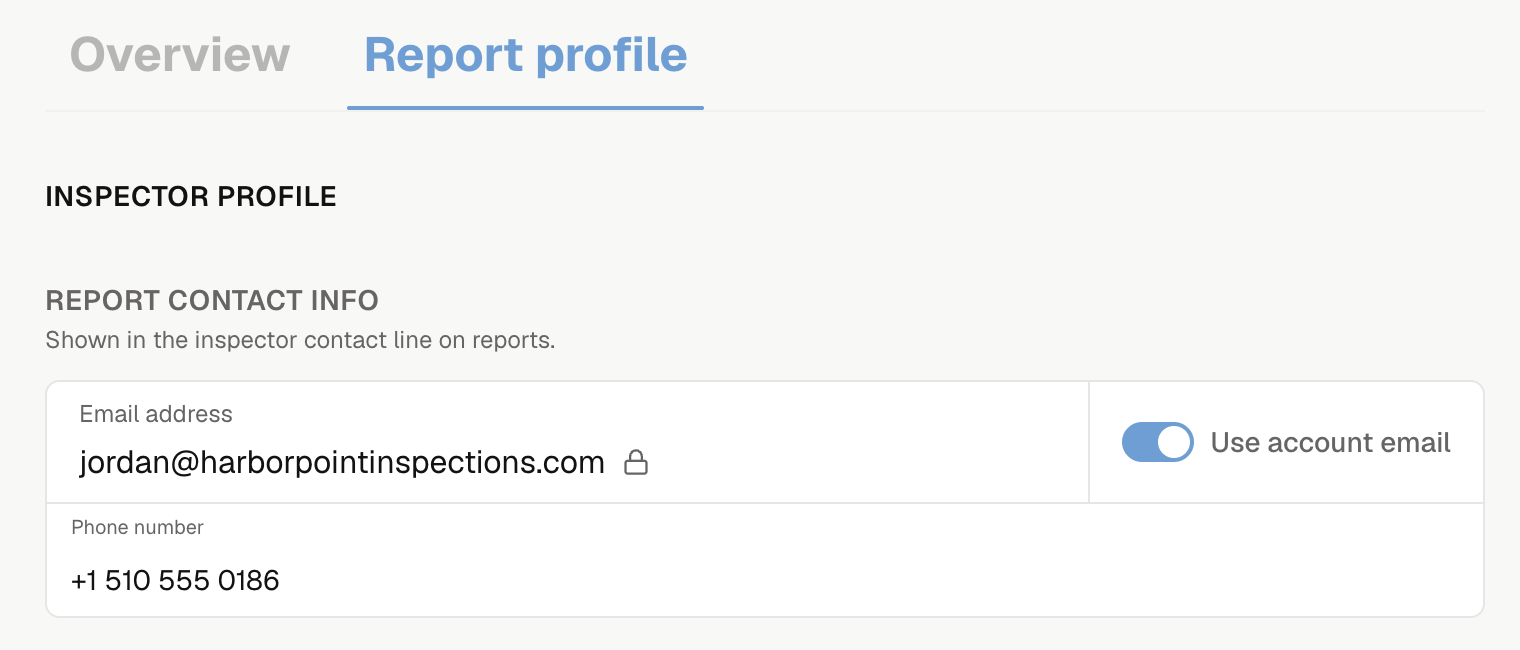
Open Report profile for an active Inspector. You or an Admin can edit it.
Set the report contact email and phone. Turn off Use account email to enter a separate report email.
To add a credential:
- Under Credentials, select Add credential.
- Choose the credential type. This unlocks its label, number, and badge controls.
- Review the label and enter a number if required. Change the badge if needed.
- Select Save changes.
Use the arrows to reorder credentials or the trash button to remove one. Discard drops unsaved edits. If saving is blocked, complete each highlighted type, label, or number.
Add the credentials you want shown with your inspector profile. Complete each credential's required fields before saving.
Check the Branch 3 credential used for California termite reports. Choose the right type, then enter the license digits beside its fixed prefix: OPR for Operator, FR for Field Representative, or RA for Applicator. Keep any leading zeros. Noma includes the prefix in report output.
You can paste a full number with its matching prefix. Check the label, then select Save changes.
Your saved signature
Only you can edit your Signature. Save, change, or remove your mark for reports and company documents.