
Sharing and history
Save your signature
Save a typed or drawn mark for reports and company documents.
Choose your inspector type
Add or change your signature
- Open People, select Team, and open your profile.
- In Overview, find Signature and select Add signature or Change signature.
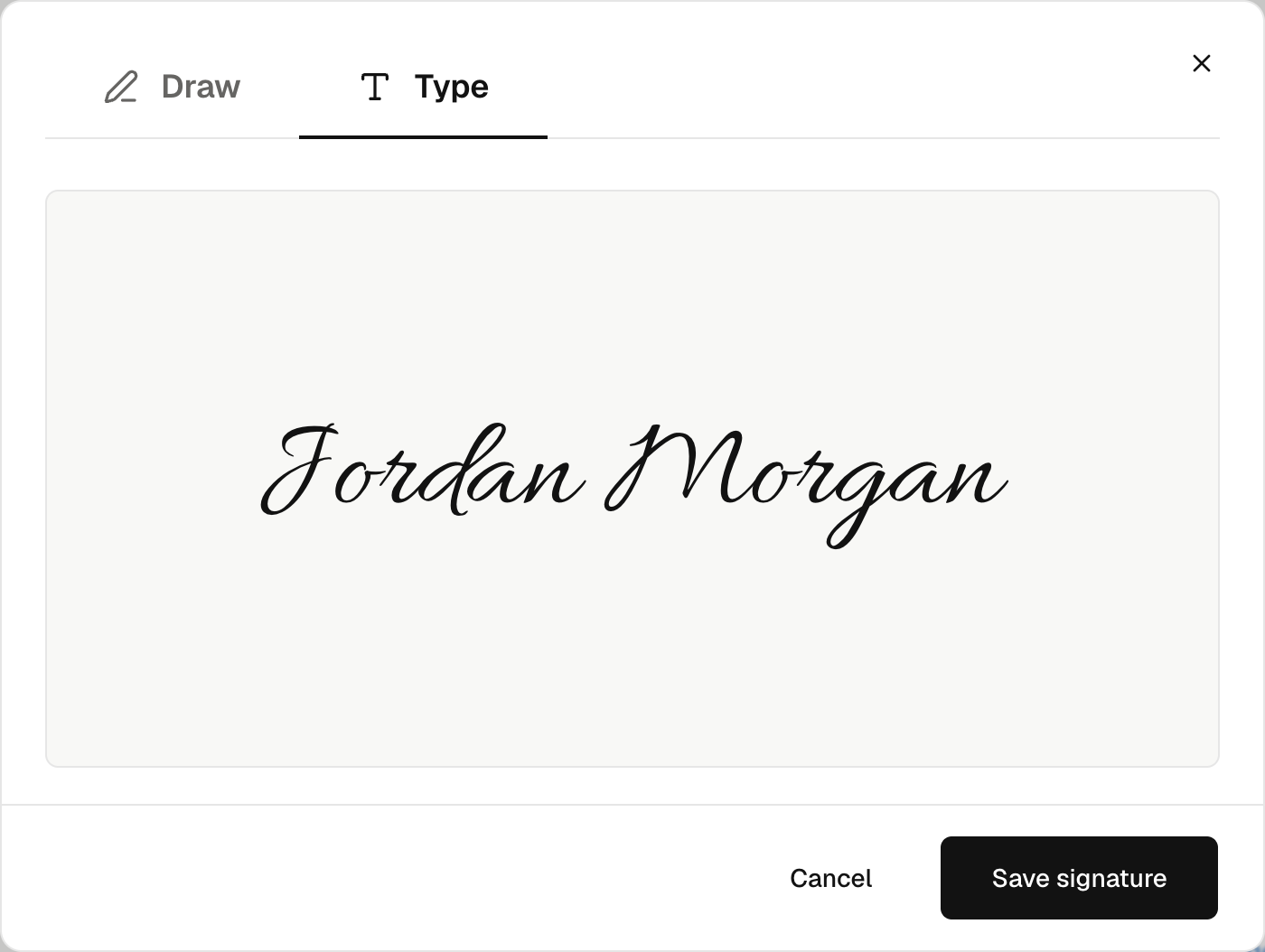
- Choose Draw or Type and add your mark.
- Select Save signature.
Only you can change your saved signature. An admin cannot change it for you. Use Remove signature to clear it.
Use the saved mark
Reports and company documents can use this mark. Check the signature before issuing a document. Changes do not alter signatures in issued documents.
This does not sign client contracts for them. Clients use their personal signing links.