
Review job emails
Check sent messages, delivery results, and failed emails.
Open email history
Open Jobs, select the job, and find Emails. Select a message or Open emails.
Use Search emails to find a subject or recipient across the full history. Load more shows older messages.
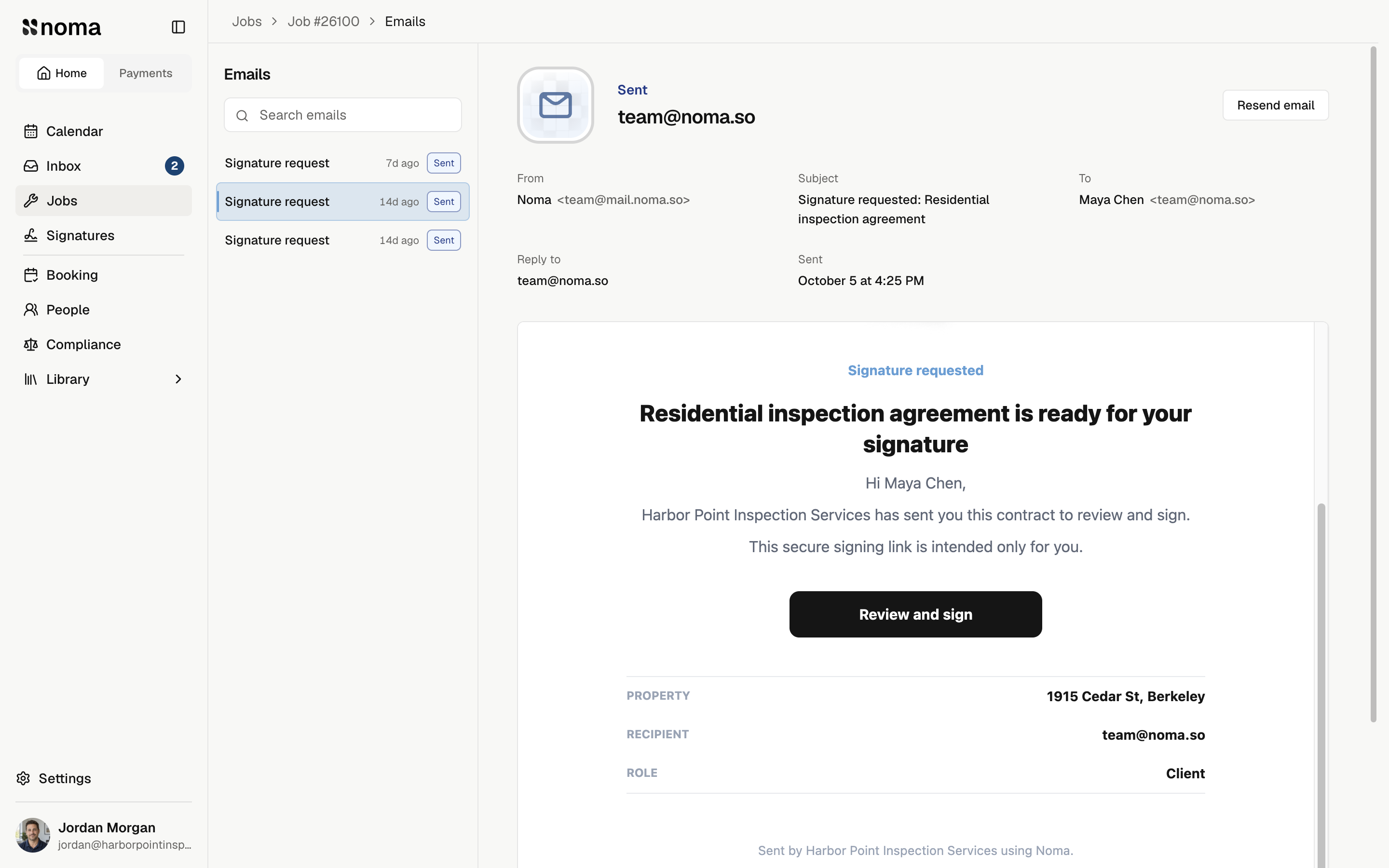
The reader shows the saved To, CC, Subject, Reply to, sent date, and attachments. Select an attachment to preview it or Download file. Links inside the preview are inactive; use View original or the page's document links.
Full job email history is available on the web.
Check delivery
| Status | Meaning |
|---|---|
| Sending | Noma is sending the message. |
| Sent | The email service accepted it. Delivery is not confirmed. |
| Delivered | Delivery was confirmed. This does not mean the client read it. |
| Delayed | Delivery is waiting. Noma retries automatically. |
| Not delivered, Blocked, Delivery failed, or Reported as spam | Check the message and recipients before sending again. |
| Send unconfirmed | It may have arrived. Sending again could create a duplicate. |
| Cancelled or Unavailable | Sending was cancelled, or the saved original cannot be used. |
Noma does not track email opens, clicks, or replies. Contract events track actions on the signing page.
Retry or resend
A failed-email notice's View email link opens the saved message. An Inbox alert may open that message or the job's email history.
- Select Try again or Resend email, when available.
- Review To, Cc, and any warnings. Use the recipient controls where available. Contract recipients cannot change.
- Confirm Try again or Resend this email?, then check the result.
A resend keeps the original subject, words, links, and files. Recipient edits create a new copy without changing Contacts or job settings. Forwarding a visit notice also shares the original guest's visit access and calendar invite.
Resending does not renew expired signing links. Use a signing reminder for a new link.
When sending is unavailable
- Sending or Delayed: wait for the result.
- Unavailable: the saved message or files cannot be sent again.
- Archived job: email history is read-only.
- Blocked address: remove or replace it where allowed. For a locked contract recipient, contact team@noma.so.