
Add a visit
Schedule another inspection under an existing job.
Choose your inspector type
New visits keep the job's address and inspection type. Each has its own permanent number, schedule, people, price, and report. Rescheduling or canceling does not change its number.
Schedule the visit
In the web dashboard, open Jobs, select the job, and find Reports.
Select Schedule visit.
The form starts from the latest visit's people, available inspector team, report access settings, and active inspection template. Available service and add-on choices use current catalog prices. Review every fee and fill any missing choice.
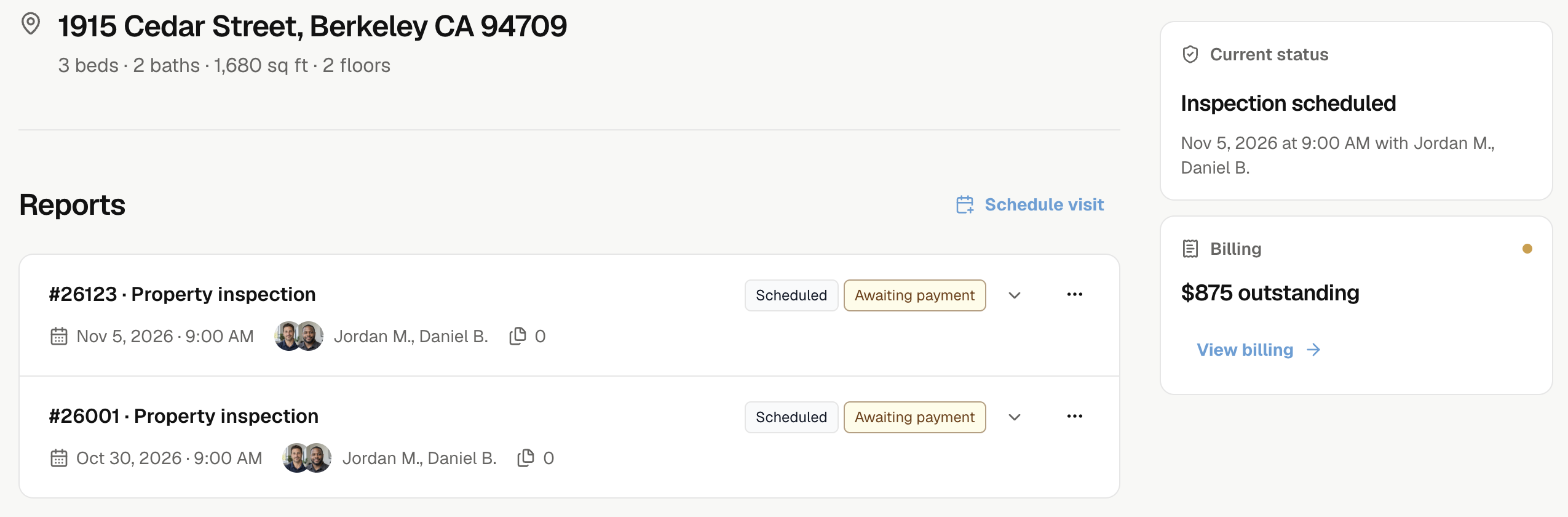
Select Schedule visit, then Complete report, Limited report, Supplemental report, or Reinspection report.
The form keeps that report type. To choose another type, cancel and reopen Schedule visit.
For Supplemental report or Reinspection report, choose Previous report under Report settings.
| Requirement | Source |
|---|---|
| Report type | Complete report or Limited report. |
| Property | The same property, including a source in another job. |
| Date | Before the new inspection; within four months for a reinspection. |
| Status | An eligible issued report or an earlier inspection with Report pending. |
Cancelled inspections and reports are excluded. A pending source must be issued before you can issue the follow-up report.
If the source is missing, check the property, report type, and dates. If the picker shows Selected source is unavailable, choose another eligible source.
- Review Booked by, Role, Bill to, and Report recipients.
- Choose Service or Custom price and review all fees.
- Choose the inspectors, date, times, and visit instructions. Review any schedule warnings.
- Review Report settings and email choices, then select Add visit.
For the shared fields and delivery choices, see Create a job.
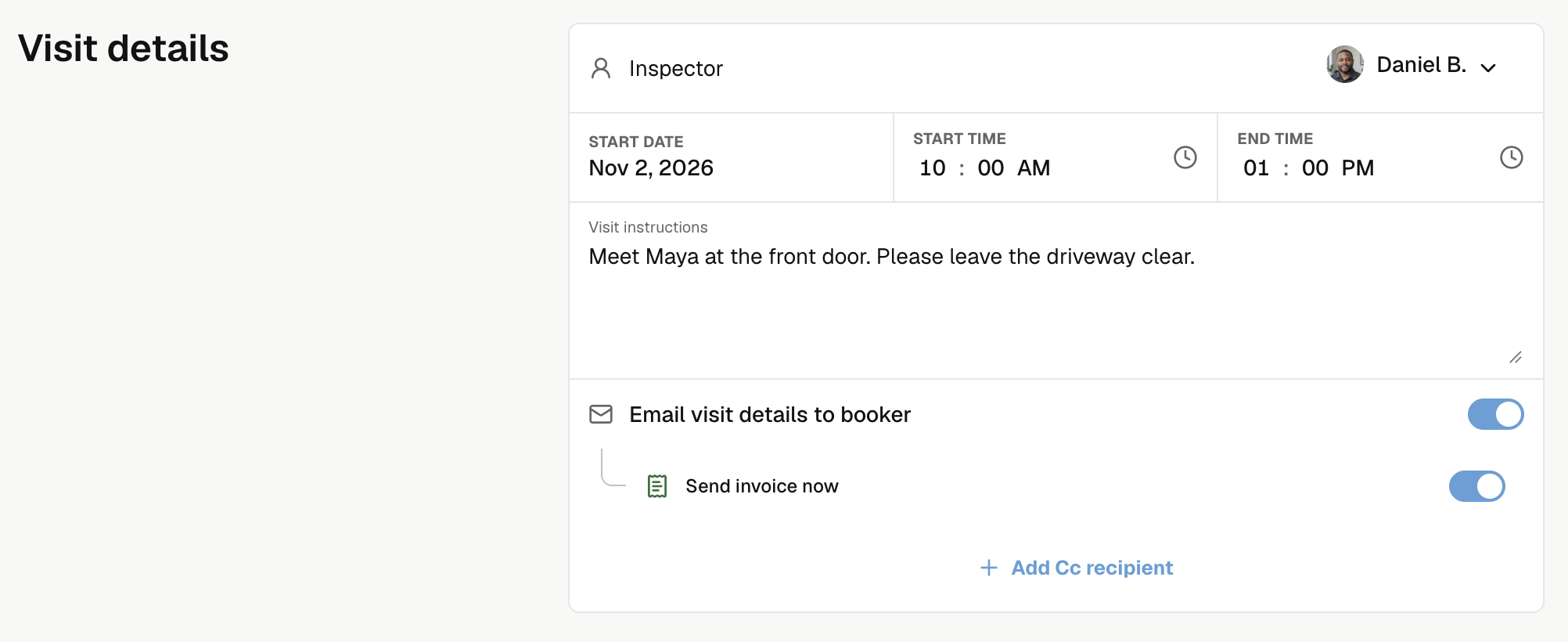
Noma opens the same job with the new visit. Existing visits, reports, and invoices stay unchanged. A positive new visit total creates its own unpaid invoice; a free visit creates none.
Archived jobs cannot receive new visits. To change the inspection type, create a separate job. To correct the service address, check Edit job details.