
Send an invoice
Email invoices and reminders to clients.
Send or remind
Open Jobs, select the job, open Billing, then select the invoice.
- Select Send invoice, or Send reminder after an earlier send.
- Review To and Cc. Choose contacts or enter email addresses.
- Use Edit subject to change Subject. Open Message to edit the body; Use default message restores that body.
- Select Send invoice or Send reminder and check the result.
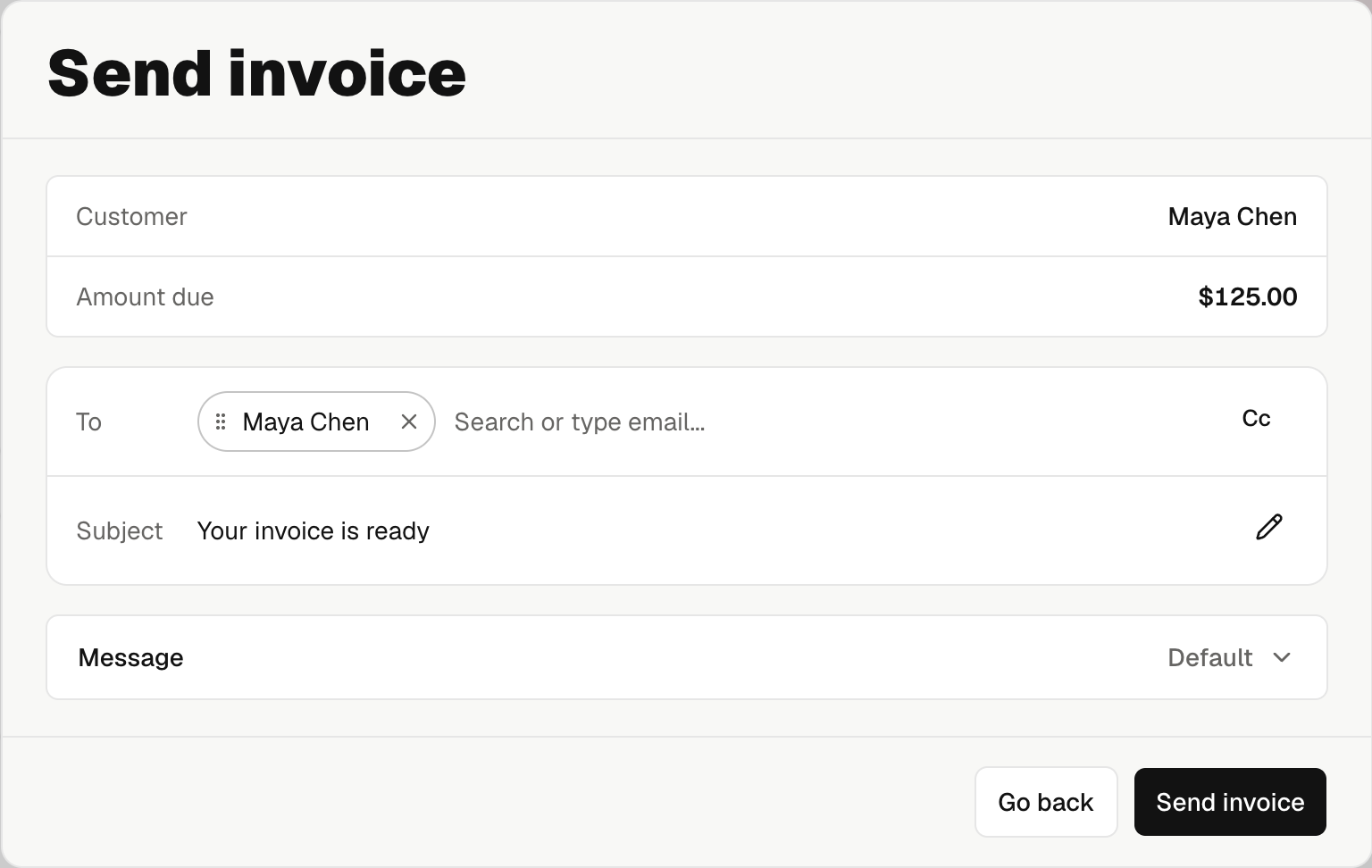
Customer names the billed party and stays fixed. Changing email recipients does not change it. Replace the invoice to change the customer.
The next send starts with the last invoice email's recipients. Change recipients for this send without changing Contacts or the invoice.
Open the invoice from the job, then select Share invoice → Email invoice or Email reminder.
- Check Bill to and To. To is read-only here.
- Open Cc to choose contact emails. Use New contact for someone outside the list.
- Open Message to change Subject or Message, then select Save. Use default message restores both defaults.
- Select Send email and check the result.
You can choose up to nine Cc contact emails. To use a typed address or change To for this send, open the web dashboard.
Keep a nonblank message. Noma adds a greeting and invoice link automatically.
Invoice email recipients are separate from report recipients and contract signers. Replies use your company email.
Online payment setup is optional for sending. Without it, the invoice directs the client to your company to arrange payment.
Share the invoice link
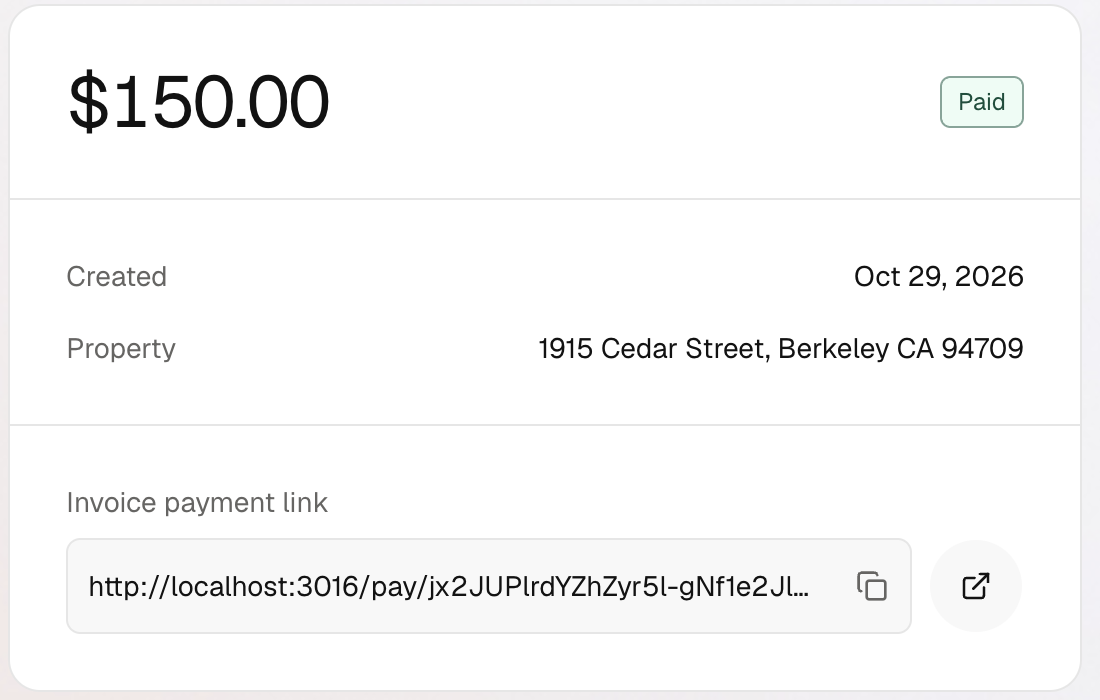
On the web, use Copy invoice payment link beside Invoice payment link, or View public invoice page to open it. In the mobile app, select Share invoice → Share. Treat it as a private client link.
Check delivery
Open the job's Emails to review the saved message and delivery result. A failure alert's View email opens that exact message. Review Try again or Resend email there. Manage job emails.
New payment requests are unavailable while payment is processing or the invoice is paid or voided. Check payment states.