 Noma
NomaSend a one-time request
Upload a PDF and send it once, without creating a reusable contract.
Prepare the request
Add your document
Open Signatures. Select Create new → One-time signature.
Enter the contract name and upload its PDFs. Arrange multiple files in reading order.
Choose recipients and fields
Add signers and CC recipients, then open Add fields.
Place a required Signature field for every signer. Add any other fields they need.
Review the request
Review each page, recipient, and field. Fill all required Me before sending values.
Check Contract price if used. It is text in the contract; changing it does not change an invoice or payment.
Choose delivery
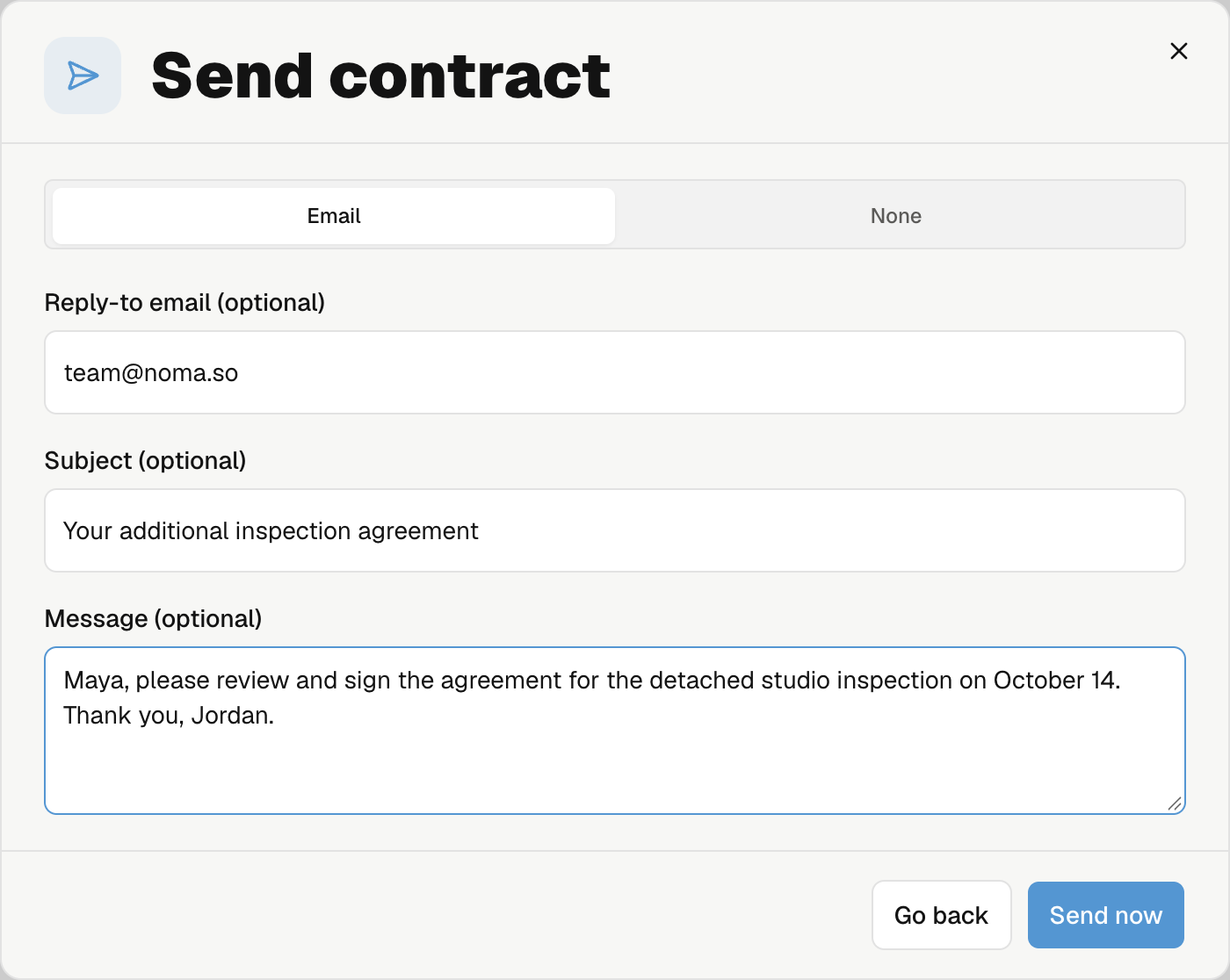
Open Send contract and choose Email or None.
Send by email
| Option | What to enter |
|---|---|
| Reply-to email | Where replies should go. Leave it blank to use the default. |
| Subject | A custom email subject, or leave blank for the default. |
| Message | A short note for the recipients. |
Select Send now. Noma sends personal signing links, following the signing order when enabled.
Share links yourself
Select None, then Generate links. Noma creates the request without sending signing invitations.
Open the request, copy each available signer's link, and share it with that person. Ordered signers must wait for their turn.
You share signing links and reminders yourself. Noma still emails completion, decline, and void notices.
Finish later or delete a draft
Select Finish later, then Finish later in the confirmation. Reopen the draft from Signature requests to continue.
To discard it, select Delete draft and confirm. This removes the unsent request. It does not delete the original reusable contract or void another request.
After sending, track progress from the request.