 Noma
NomaSignatures
Void a contract
Stop an active signature request and keep its history.
Before you void
You can void an active or declined request. Completed contracts cannot be voided.
| To remove… | Use |
|---|---|
| An unsent request | Delete draft |
| A reusable document | Delete reusable contract |
| A sent request that should stop | Void contract |
Void the request
- Open Signatures and select the request.
- Select Void contract.
- Enter the reason, up to 500 characters.
- Check the contract name and select Void contract to confirm.
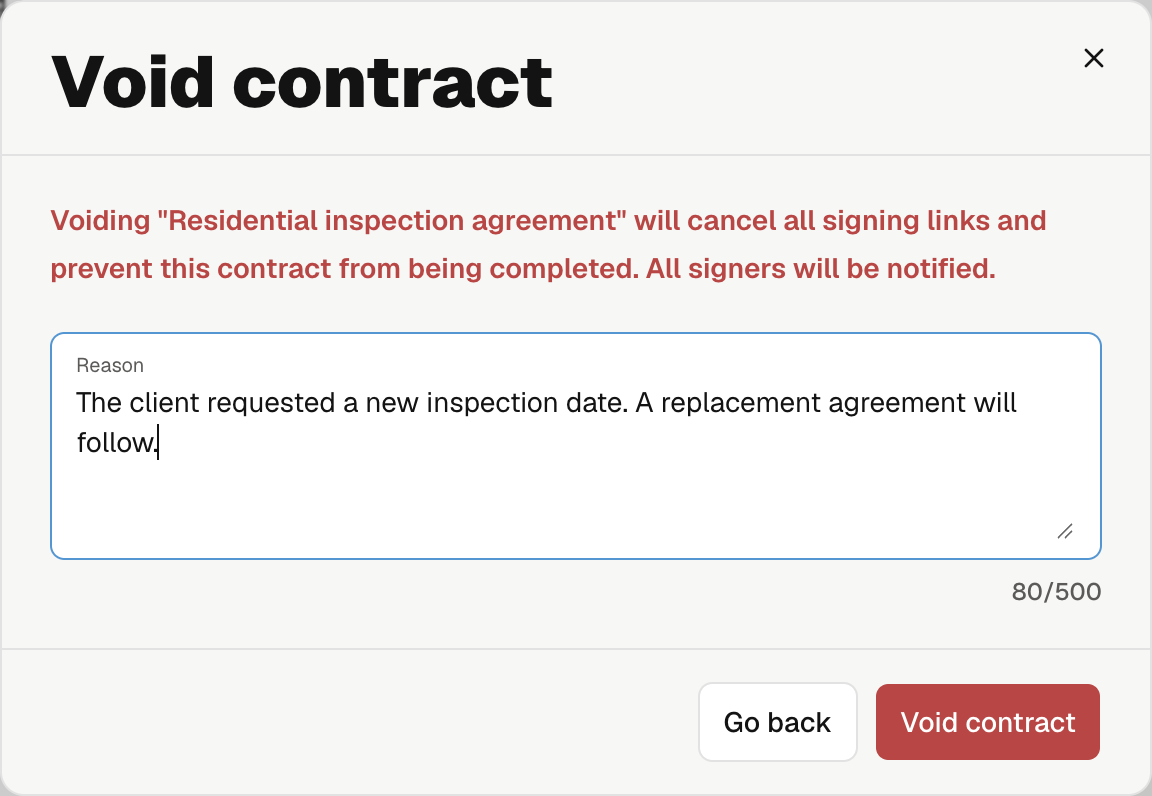
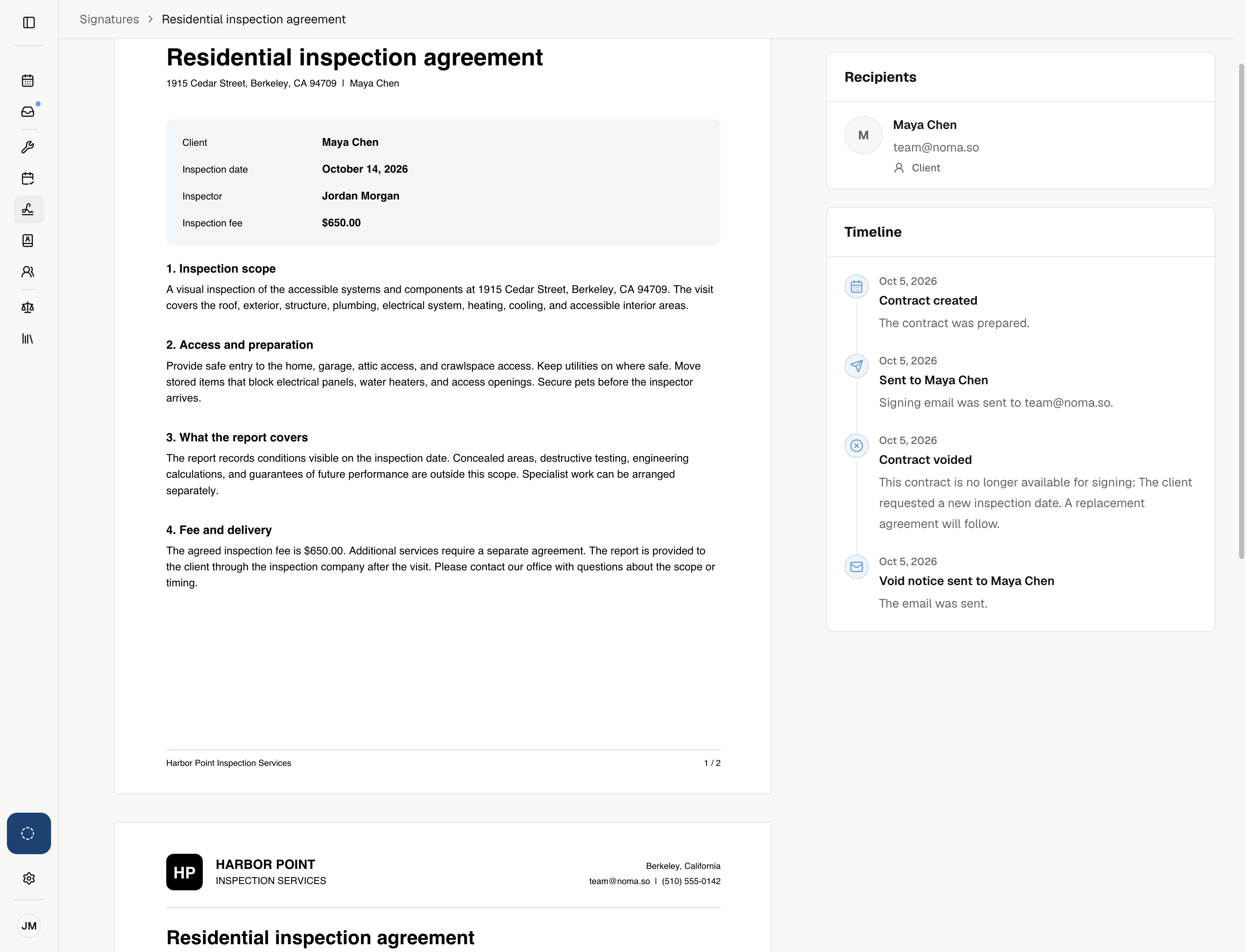
The request becomes Voided. Its signing links stop working, and its history remains available.
Noma emails the signers and CC recipients, including for requests sent with None.
Send a replacement
Correct the reusable contract if needed, then send a new job contract or one-time request.
The replacement has its own signing links and history. Voiding does not cancel the visit, change billing, or refund a payment.